How to order
Turn your finish board into an order.
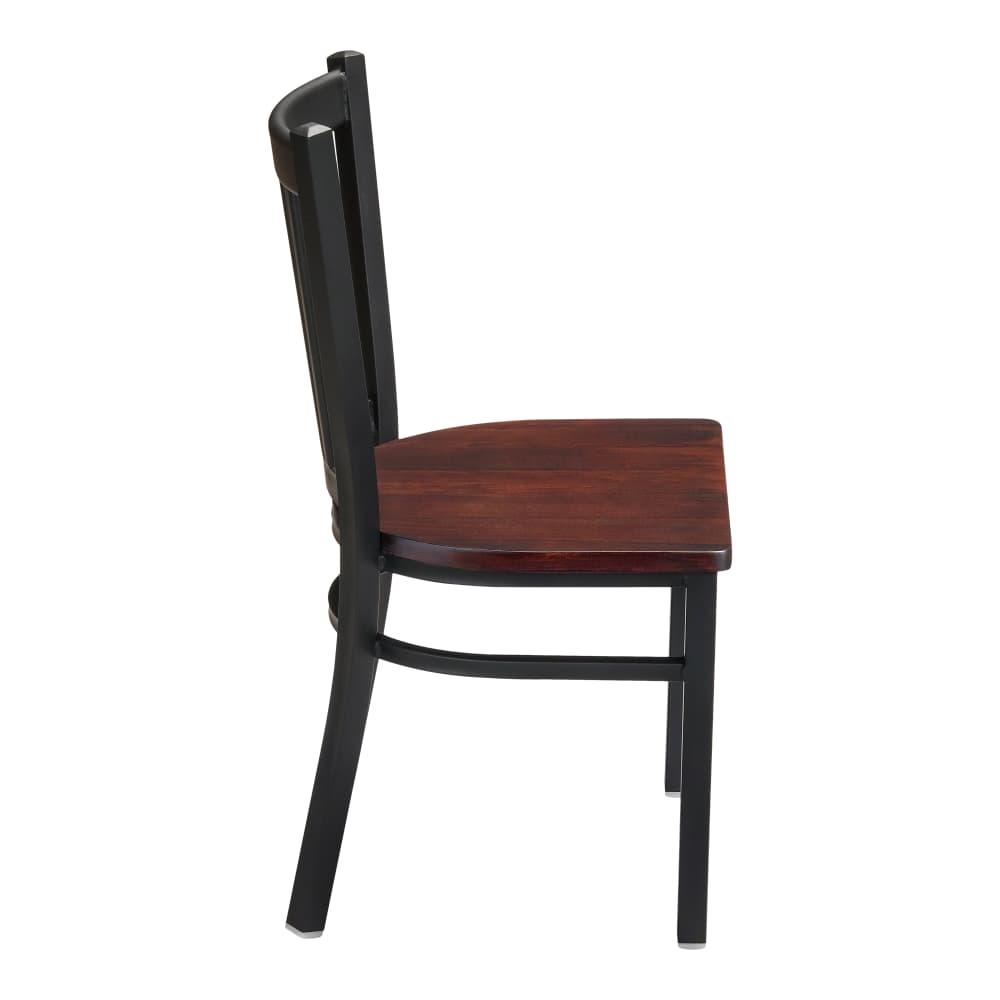
Open a piece from the furniture collection and choose the available frame, seat, or surface options. The selected references help identify those choices. The main furniture photograph remains a representative example.
Compose, then save
Use your finish board while comparing combinations. Separate the dining room from the lounge, save the details, and download a project sheet if you want to discuss the palette before proceeding.


Check the selection together
Bring a saved board into the basket. Current prices and options are reviewed during that step. Look at the selected finish labels as well as the thumbnails, then check quantities. A copied room is an independent selection, so review its contents too.
Pass on the order details
Add contact information and any questions about the project, then send the order. It is delivered to the configured inbox for follow-up. There is no online payment step. Shipping, tax, availability, and final arrangements require confirmation. During this preview, use test details only.
Move from a visual preference to a selected version
The piece that catches your eye is the beginning of the decision. Open its product page, review the measurements and work through the available finish, upholstery, size or other controls. The resulting configuration identifies the version you are choosing and the price that belongs to it.
Use the materials guide when comparing finish references. A sample shown on screen can help you keep choices straight, but it does not establish a physical match to an existing material. Ask for confirmation where that match matters to the room.
Review the board as a whole
Save the configured pieces to your finish board and group them by room. Look at the selected finish labels alongside the images. Check quantities separately from the visual composition, especially when the same chair appears in more than one zone.
A duplicated room keeps the saved furniture, finishes and quantities. The new area still needs its own dimensional and quantity review. Download the saved sheet after making changes so the shared reference describes the current board.
Keep the selection intact through the handoff
Review current prices, then add the saved items to the basket. Check the configuration labels and quantities once more before adding your contact and delivery details. The order is sent by email, with payment arranged separately after the details are confirmed.
This preview uses test orders. Before a real order, confirm availability, delivery arrangements, the final amount and the applicable change and return terms. Keep the order reference with the board so the chosen room and the reviewed record stay connected.