Frequently asked questions
Questions about pieces, palettes, and boards.
A few practical answers can make the next design decision easier. For more detail about materials or ordering, visit Help & information.
Does the main photo change to my exact finish?
Not always. Product photography is representative. Verified selected finish thumbnails identify available choices and remain with the saved configuration.
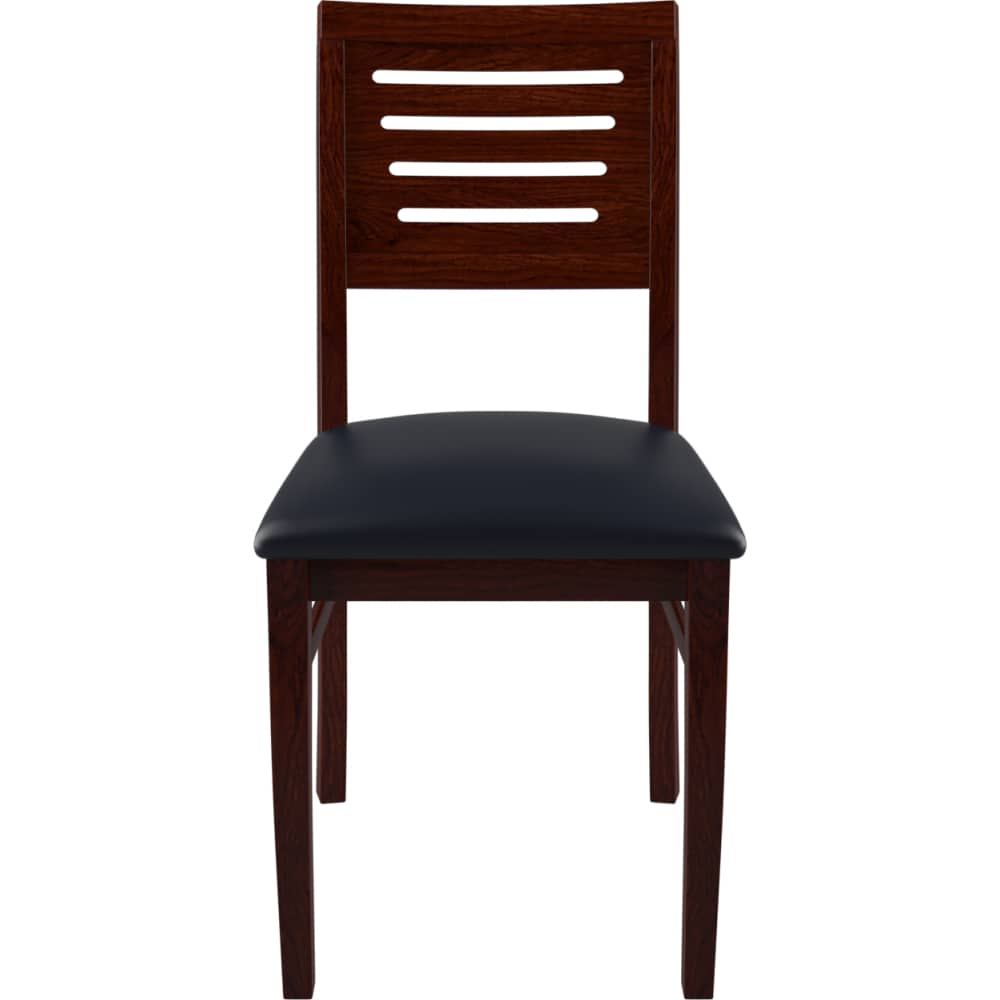
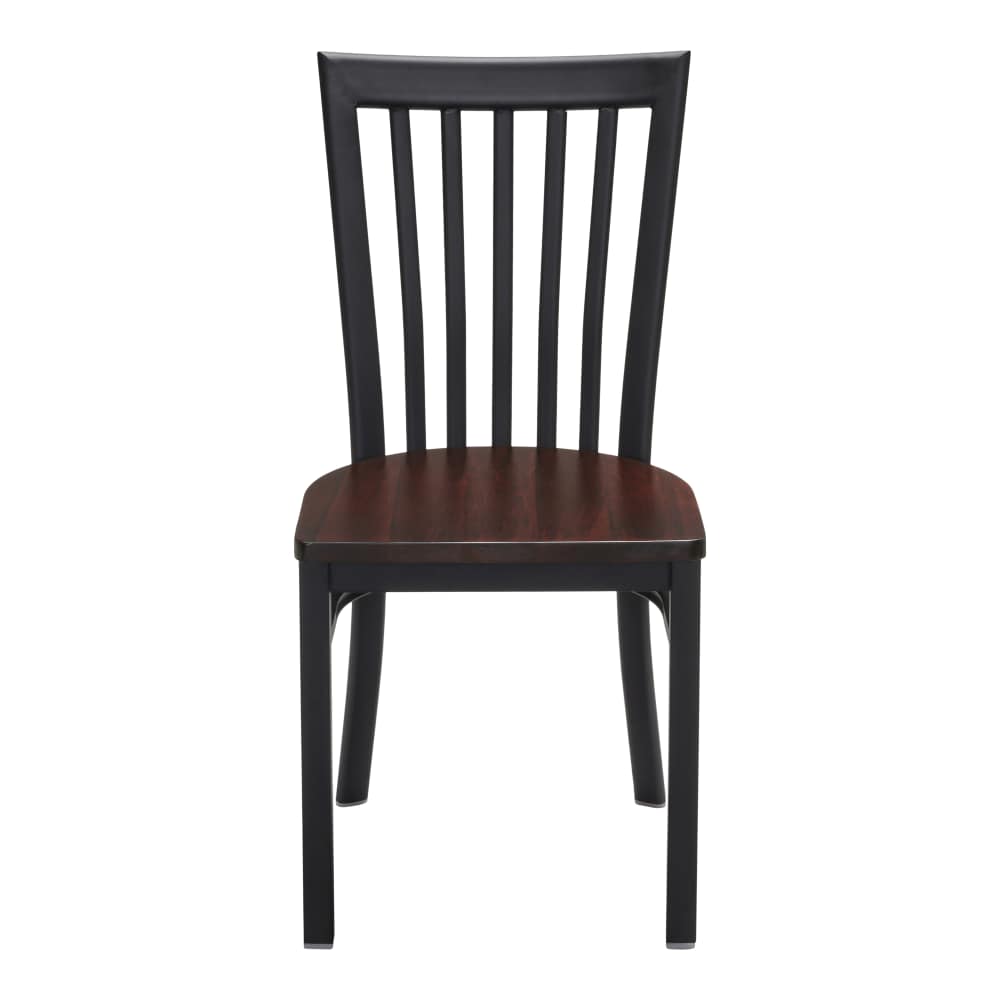
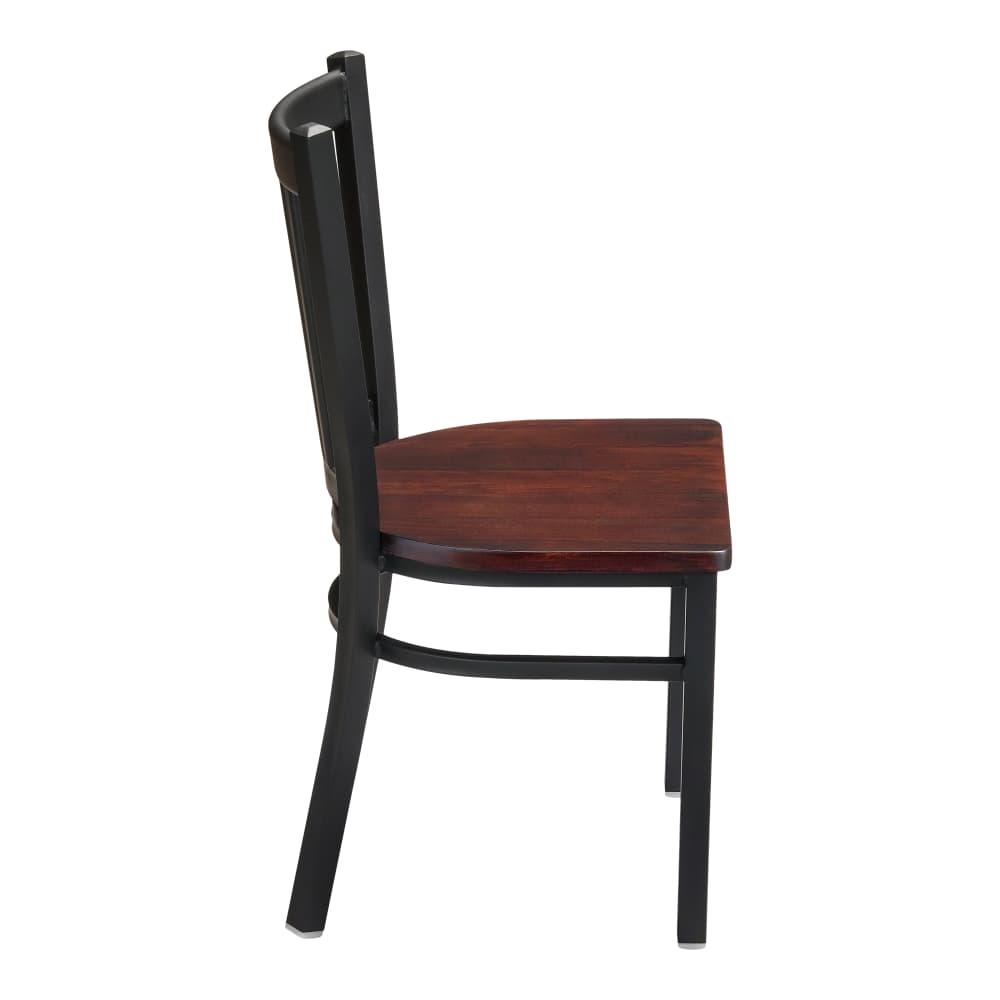
Are screen colors exact?
A digital reference is useful for comparison, but display settings and room lighting affect appearance. Ask about physical material confirmation before final purchasing.
Can I compare two versions of a room?
Yes. Duplicate the saved room, give the copy its own name, and edit it separately. Save changes before copying again or downloading a sheet.
Does a downloaded board update later?
No. The PDF records the saved project version at download time, including its finishes, quantities, and prices.
Where is my board stored?
It is held privately for this browser and this brand. There is no account recovery or cross-device sharing in the preview.
What happens after Send order?
The selected details go to the configured inbox. This preview sends an internal test notification, with no online payment.
What should go on a finish board?
Save an actual configured version of each piece. The model identifies the design, while the selected finish, size or upholstery identifies your choice. Quantities and room names give that choice a place in the project. Use the finish board to keep those details together.
Does the main photo show my selected finish?
The main photograph is a representative view of the product. Where a verified image is available for an option, the selection shows its matching reference. Use the selected labels and samples to review your configuration. A missing verified image is not replaced by a guessed finish.
Can two rooms have different palettes?
Yes. Assign the saved pieces to separate room or zone names. Keep different finishes of one model on separate lines. Duplicating a room creates another group with the saved choices, which you can revise without changing the first.
Can I share the board?
Download the saved project sheet to share the furniture, finish references, quantities and saved prices. Save your latest edits first. The sheet is a snapshot of that version; check current details before moving toward an order.
How do I check whether pieces fit together?
Compare the actual measurements and intended use, including the space needed around the furniture. A visual pairing does not establish height or mounting compatibility. Use room planning and record missing dimensions for confirmation.
What remains to be confirmed before a real order?
Availability, physical material questions, delivery arrangements, final charges and business terms need review. The current website is a test preview. See delivery planning and returns and changes for the questions to carry forward.